


Auto Reroll Summoner's war
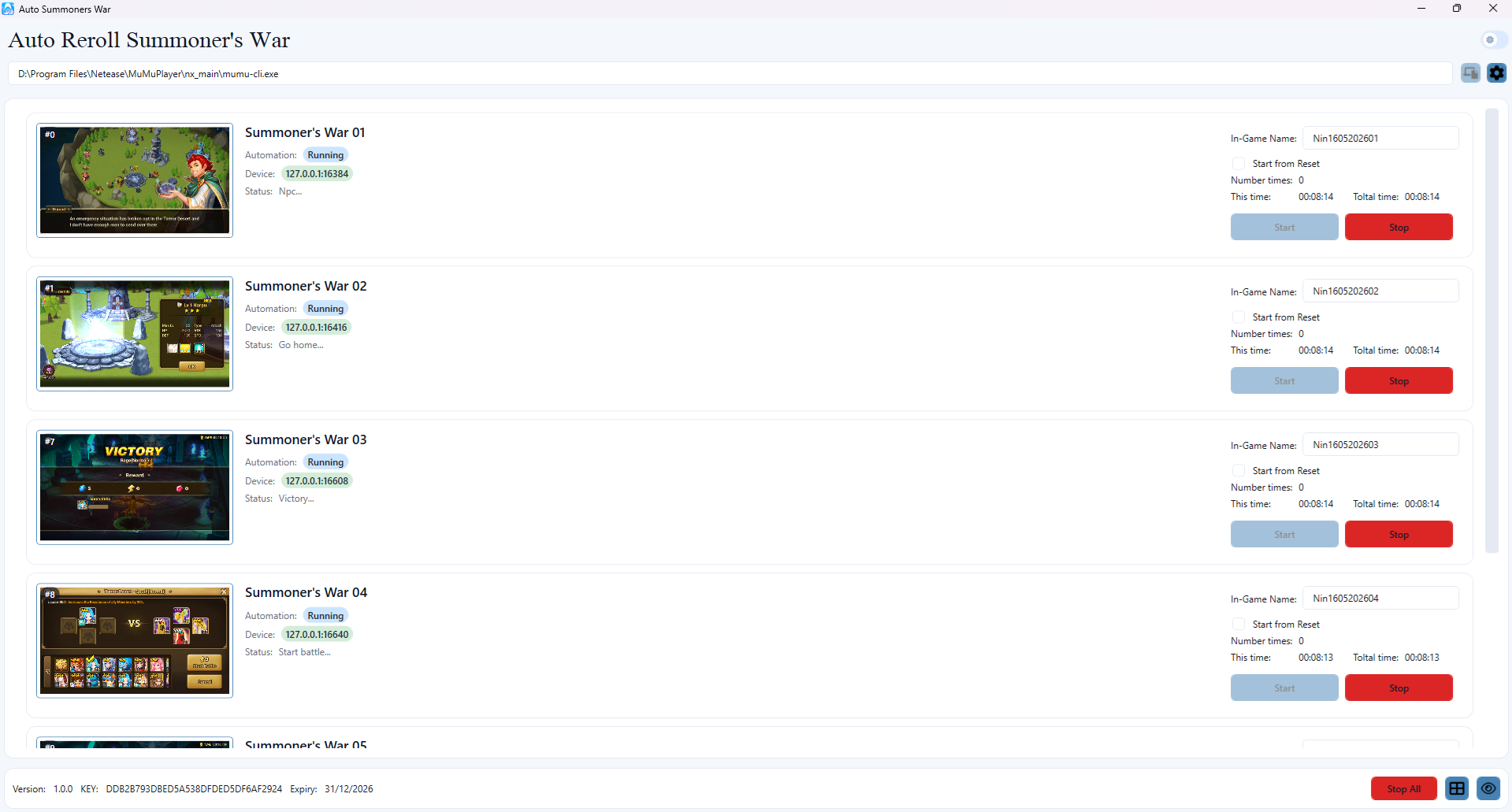
- Auto Clear to Faimon and get L&D Scroll
- Stop if get 5* monster
- Auto Reroll if not get 5* monster
- Auto send request add Friends
- Notify result via Telegram
- Support multiple devices with different accounts?
- Support languages: English
How to install
1. Download Mumu Player here and install it on your computer.
2. Download Host here Run on your PC.
3. Download Client here install on Emulator.
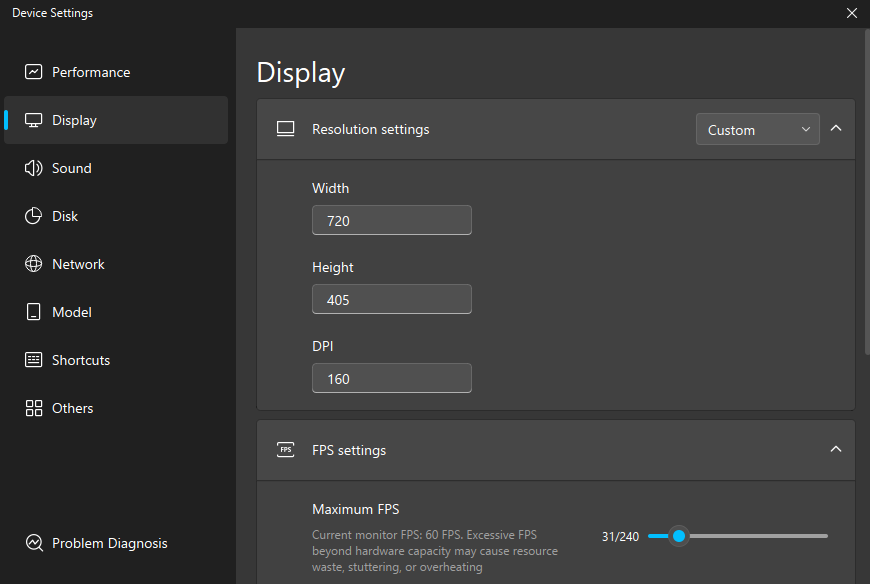
4. Open Mumu Player and set up an Android emulator with Android 12.
- Resolution: 720x405 - DPI: 160
- Performance: Depending on the device configuration.
- Open Host
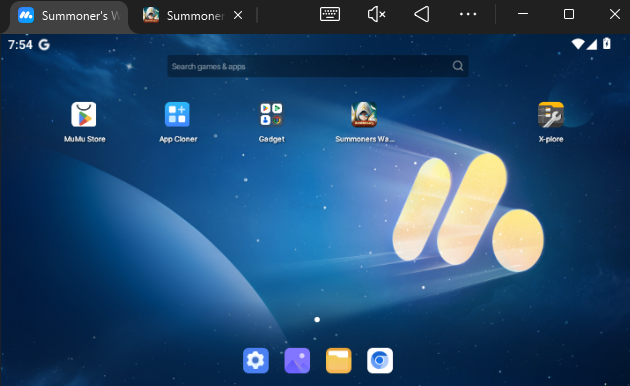
- Open Auto Reroll Client and setup
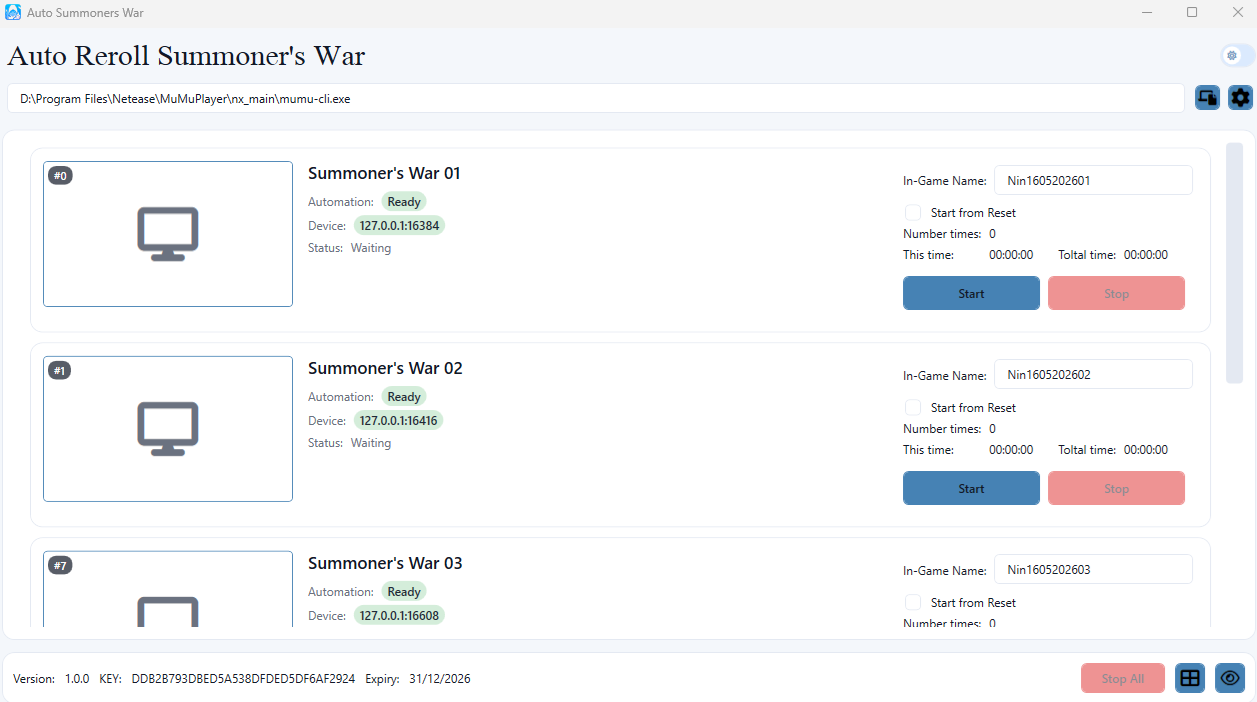
5. Start Auto.